
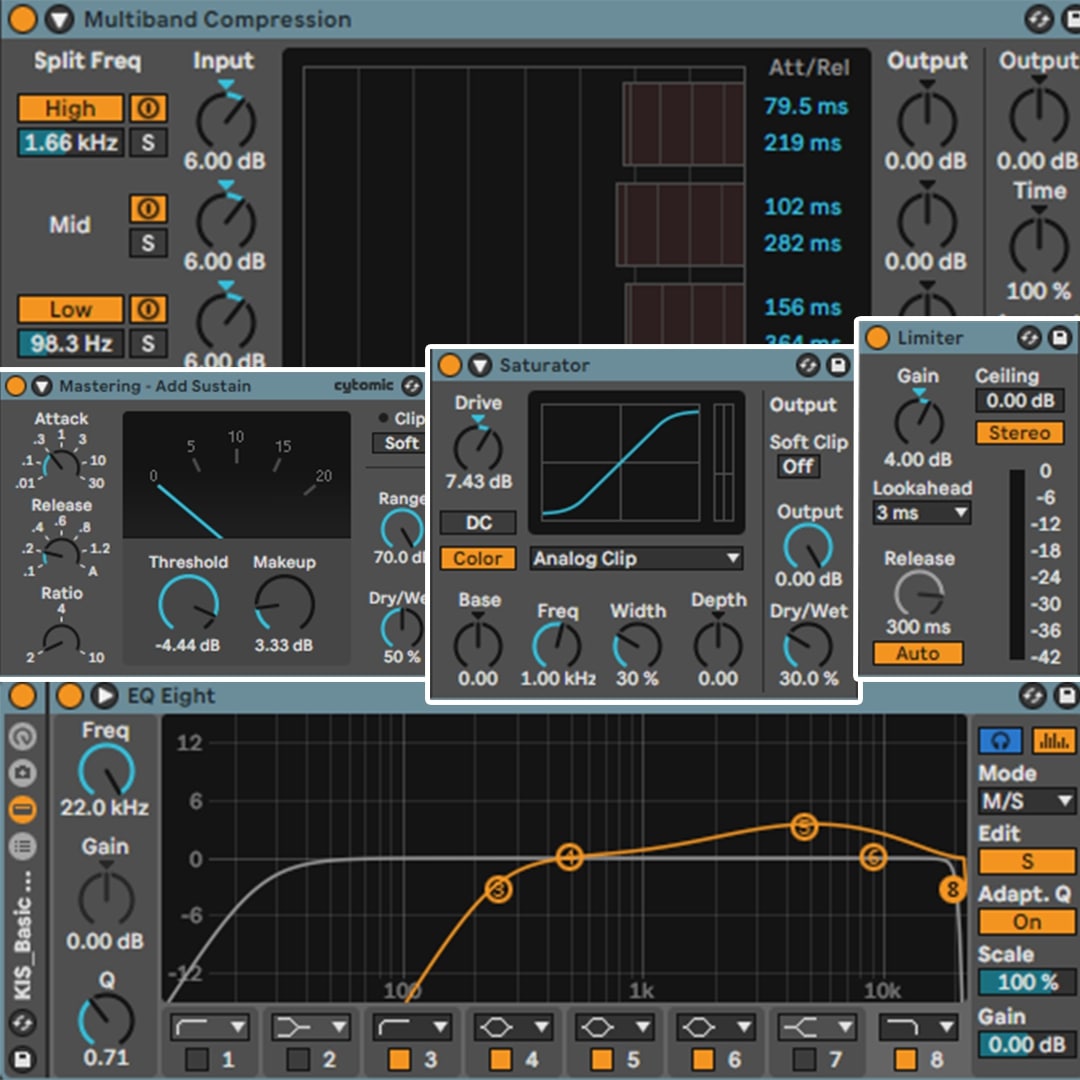
Free Techno Mastering Chain for Ableton
Want an expert-level mastering chain to breathe some life into your techno tracks?
Well, look no further!
This free techno mastering chain has been exclusively designed for Ableton Live and utilizes only stock plugins; no expensive third-party VSTs required.
Take your productions to the next level with this simple, fully customizable mastering rack.
Please Note: You need Ableton Live Suite 11 (11.01.12) or higher to use this rack.
Why this techno mastering chain?
What is in the Ableton mastering chain?
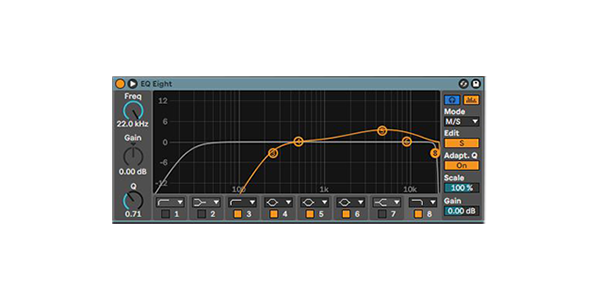
EQ Eight
This plugin allows you to shape the frequencies of your mix with precision.
By cutting unwanted frequencies and boosting important ones, you can ensure clarity and balance across your track.
Use it to clean up muddiness in the low end and add sparkle to the highs.
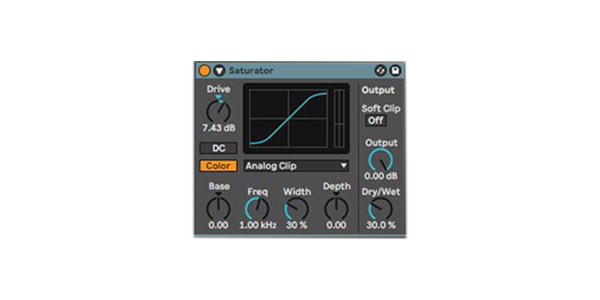
Saturator
Add warmth, richness, and subtle harmonic distortion to your track.
The Saturator can make your mix sound fuller and more energetic, which is essential for techno music.
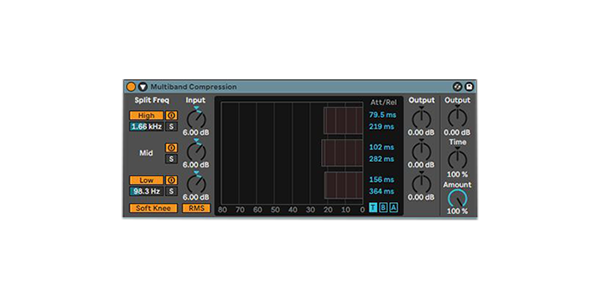
Multiband Dynamics
This tool lets you control the dynamics of your low, mid, and high frequencies independently.
Use it to emphasize the bass, smooth out the mids, and control the highs for a polished, professional sound.
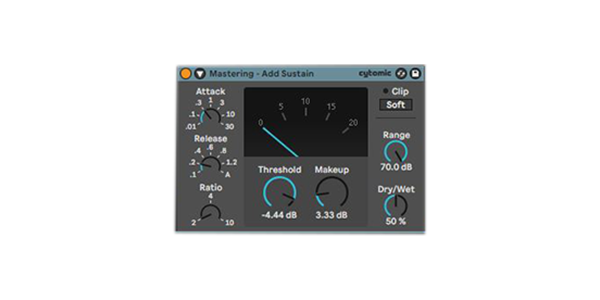
Glue Compressor
Designed to "glue" your mix together, this compressor adds cohesion by evening out dynamics and enhancing punch.
It’s perfect for tightening up the low end and ensuring your kick and bass sit perfectly in the mix.
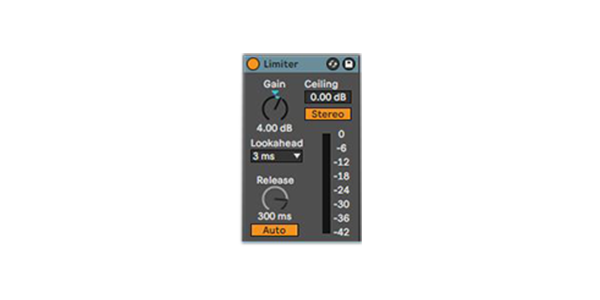
Limiter
The final step in the chain ensures that your track reaches the desired loudness level without clipping.
It maintains a clean and consistent output, so your master sounds polished and ready for release.
How to use the techno mastering chain
You may also like


Let customers speak for us
Some really cool little details in here that make transitions and drops feel more alive. Didn’t expect to use them as much as I did.

The workflow improvement is real. I was stuck on a track for days, swapped in a few elements from here, and suddenly it clicked. Finished it the same night.
The vibe is consistent across the pack, which I like. Makes it easy to stay in the zone without jumping between totally different styles.

Plenty of headroom in the files, which I appreciate as someone who likes to do my own processing chain. They respond really well to saturation.
Super inspiring pack overall. I opened it up, dragged in a few loops, and suddenly had an idea flowing. Needed a bit of EQ here and there but nothing major.

I’m just starting out producing and this pack really helped me finishing something for once instead of quitting halfway.
Some sounds felt a bit dry at first, but once I added my own effects they fit perfectly into my style.
I like that I can quickly sketch ideas with this pack. Not everything is perfect for me, but it’s easy to tweak and make it fit.